
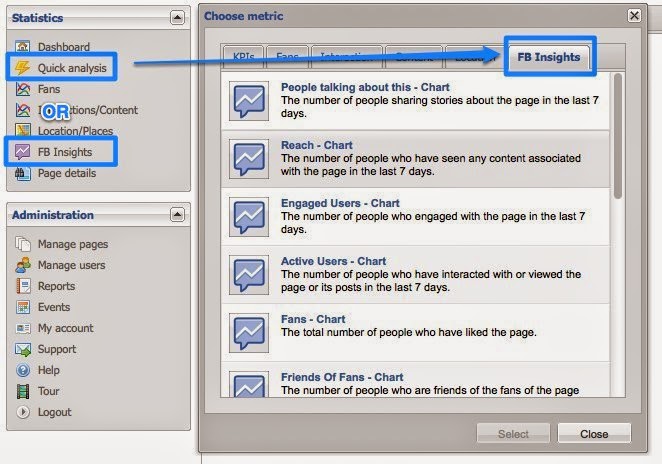
In this tutorial we will see how to add statistical analysis tool Facebook Insights, which can be installed directly on a blogger blog or any other website.
Facebook Insights to track in real time the number of clicks on the button I like ( shares of an article), the number of comments and impressions, demographics (age, gender, language, country) and the popular pages (the number of comments, the comments rate , ...).
Facebook Insights to track in real time the number of clicks on the button I like ( shares of an article), the number of comments and impressions, demographics (age, gender, language, country) and the popular pages (the number of comments, the comments rate , ...).
Installation:
1- Go to this page: https://www.facebook.com/insights/
2- click Statistics of your website , and in the Domain text box: Add your blog address : blogger-astuce.blogspot.com for example. and in the other zone with Lier choose your facebook account (You).
3- copy the code generated in the previous step that looks like this:
<meta property = " fb: admins" content = " 1089025827 " />
4. Login to blogger, go to Presentation >> Edit HTML and just after the <head> tag, paste the code in step 3.
5. Save your model.
6. click the Get statistics and it's over.
No comments:
Post a Comment